COMPARE
Element Editor vs Mapbox GL Draw
Mapbox GL Draw is a solid control for Mapbox GL JS. Element adds React, official MapLibre support, a richer feature set, and a data layer.
Who each one is for
Mapbox GL Draw is the right choice if your app is built on Mapbox GL JS, your team is comfortable with an imperative plugin API, and basic drawing (point, line, polygon, with combine and uncombine) plus custom modes is all the editing behaviour you need.
Element is the right choice if you want React as a first-class target, you want the same editor to work on MapLibre GL JS (open-source) and Mapbox GL JS, you need snapping, boolean operations, or geometry processing, or you want a typed schema layer and a data table.
Feature comparison
| Capability | Mapbox GL Draw | Element |
|---|---|---|
| Mapbox GL JS support | Included | Includedvia adapter-maplibre |
| MapLibre GL JS support | Unofficial (CSS class workaround) | Included |
| MapTiler SDK support | Unofficial (as with MapLibre) | Included |
| Leaflet support | Not included | Includedvia adapter-leaflet |
| Drawing tools | Point, line, polygon | Point, line, polygon, rectangle, circle, freehand, road-snapped route, OSM picker |
| Vertex editing | Included | Included |
| Custom modes | Included | Composable UI components, no custom modes |
| Snapping | Not included | Included |
| Boolean operations | Not included | IncludedCommunity |
| Geometry processing | Not included | IncludedCommunity |
| Transform (scale, rotate) | Not included | Included |
| Measure | Not included | Included |
| React component | Not included | Included@element-editor/react, @element-editor/adapter-maplibre |
| TypeScript, first-class | Via DefinitelyTyped (community types) | Includedbuilt-in |
| Schema-backed properties (typed fields) | Not included | Included |
| In-app schema editor | Not included | Included |
| Data table with inline editing | Not included | Included |
| Two-way GeoJSON editor | Not included | Included |
| Built-in toolbar UI | Includeddraw, delete, combine buttons | Includedin the drop-in, or @element-editor/ui components with an adapter |
| Licence | ISC | MIT |
The React question is the one most searchers ask
Searches like "mapbox gl draw react" and "react mapbox gl draw" come from developers looking for a React component, which Mapbox GL Draw doesn't ship. Element's @element-editor/adapter-maplibre answers that directly: a declarative React component that adds the editor to your existing Mapbox GL JS, MapLibre GL JS or MapTiler SDK map, with toolbars and panels from @element-editor/ui. Starting without a map? @element-editor/react brings its own MapLibre map.
What you get beyond drawing
Mapbox GL Draw is a drawing tool. Element is a map editor.
Snapping — new and dragged vertices pull to nearby vertices and edges, so shared borders line up without cleanup afterwards.
Boolean operations — union, intersect, subtract, exclude, cut hole, slice. Combine overlapping polygons into one. Split one along a line. Polygon booleans, cut hole and slice run off the main thread.
Geometry processing — buffer, simplify, smooth, break apart, merge. Clean up imported data, round the edges of machine-drawn shapes, compress freehand output.
Schema-backed properties — define typed fields in code. Get a validated form per feature, automatically. Schemas travel with the GeoJSON.
Data table — spreadsheet view of every feature. Inline editing. Map-selection sync. Press T to open it.
Two-way GeoJSON editor — view and edit the raw FeatureCollection live. Press I to open it.
Mapbox-specific concerns
- Mapbox access token. Mapbox GL JS v2 and later need a Mapbox access token; Element's editing layer does not, and if you keep using Mapbox GL JS, nothing changes.
- Migration path to MapLibre. If you're planning to move from Mapbox to MapLibre GL JS (for licensing, cost, or open-source reasons), Element lets you switch without changing the editing code. Same
@element-editor/adapter-maplibre, a different map instance. - Compatibility with MapTiler SDK. MapTiler SDK extends MapLibre GL JS, so the adapter takes its map as-is.
Show it in code
Mapbox GL Draw:
import MapboxDraw from '@mapbox/mapbox-gl-draw'

const draw = new MapboxDraw({
  displayControlsDefault: false,
  controls: { polygon: true, trash: true },
})
map.addControl(draw)

map.on('draw.create', (e) => {
  const feature = e.features[0]
  saveToBackend(feature)
})Element with @element-editor/adapter-maplibre:
import { useRef, useEffect, useState } from 'react'
import maplibregl from 'maplibre-gl'
import 'maplibre-gl/dist/maplibre-gl.css'
import {
  ElementEditorUIProvider, GeoStoreProvider, ElementEditorControls,
  FloatingToolbar, EditingToolbar, ActiveDrawingToolbar,
} from '@element-editor/adapter-maplibre'
import '@element-editor/adapter-maplibre/style.css'

export default function MyMap() {
  const container = useRef<HTMLDivElement>(null)
  const [map, setMap] = useState<maplibregl.Map | null>(null)

  useEffect(() => {
    const m = new maplibregl.Map({
      container: container.current!,
      style: 'https://demotiles.maplibre.org/style.json',
    })
    m.on('load', () => setMap(m))
    return () => { setMap(null); m.remove() }
  }, [])

  return (
    <ElementEditorUIProvider>
      <GeoStoreProvider>
        <div data-elm-theme="light" style={{ position: 'relative', height: 600 }}>
          <div ref={container} style={{ width: '100%', height: '100%' }} />
          {map && (
            <ElementEditorControls map={map} onFeatureAdd={(feature) => saveToBackend(feature)}>
              <FloatingToolbar />
              <EditingToolbar />
              <ActiveDrawingToolbar />
            </ElementEditorControls>
          )}
        </div>
      </GeoStoreProvider>
    </ElementEditorUIProvider>
  )
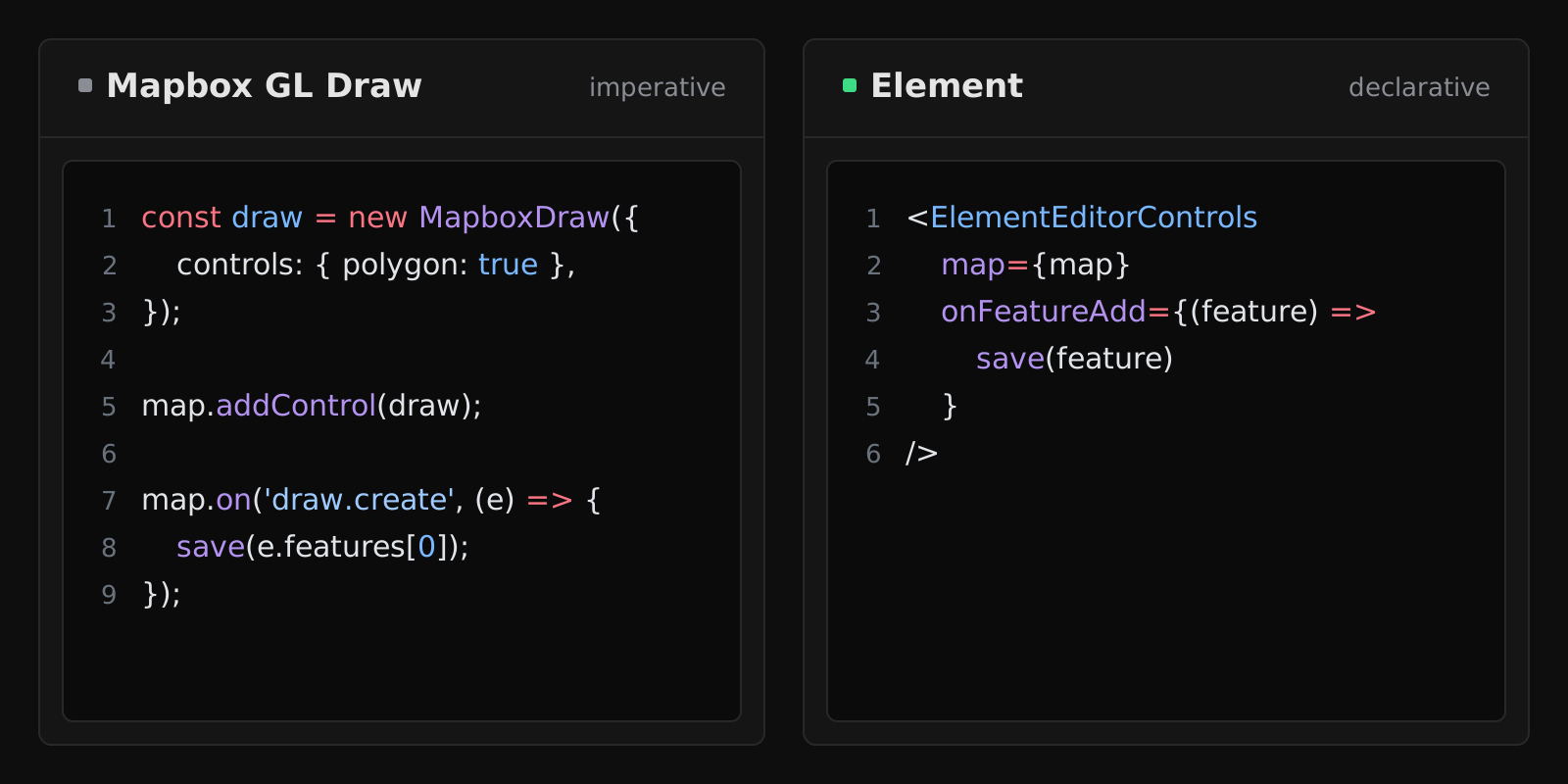
}The shape changes from imperative event listeners to declarative React. Output is standard GeoJSON either way.
Frequently asked
Does Element work with Mapbox GL JS?
Yes. @element-editor/adapter-maplibre works with Mapbox GL JS, MapLibre GL JS, and MapTiler SDK. One adapter covers them all — they share API lineage. With Mapbox GL JS, TypeScript needs one cast on the map instance, because the two libraries declare different types.
Do I need a Mapbox account to use Element? No. Element's editing layer is independent of the map tile provider. If you want to keep using Mapbox tiles, use them. If you want to switch to MapLibre's open tiles or MapTiler, the editor doesn't care.
Does Element have custom modes like Mapbox GL Draw?
Not in the same way. Mapbox GL Draw exposes a custom-mode interface where you register your own interaction state machines. Element exposes individual UI components via @element-editor/ui that you can recombine into custom editor layouts, and the tools prop picks which built-in tools are offered. That's quicker for changing what the editor shows, but you can't add a new drawing interaction the way a custom mode can.
Is Element as fast as Mapbox GL Draw? Both draw on the map's own WebGL layers. Element runs its heaviest operations (polygon boolean ops, cut hole, slice and the buffer, simplify and smooth previews) in a Web Worker, so the main thread stays responsive while they compute. Mapbox GL Draw doesn't ship operations of that weight, so it runs on the main thread.